In this article
You got the opens. You wrote the emails. The cart is open. Nothing happened.
Before you cut the price or rebuild the landing page, diagnose which stage actually broke. Most course launches fail at one specific point in the funnel. Once you identify it, the fix is usually fast. This guide maps all five stages and tells you what to check at each one.
What Should Be in Place Before You Fix Anything?
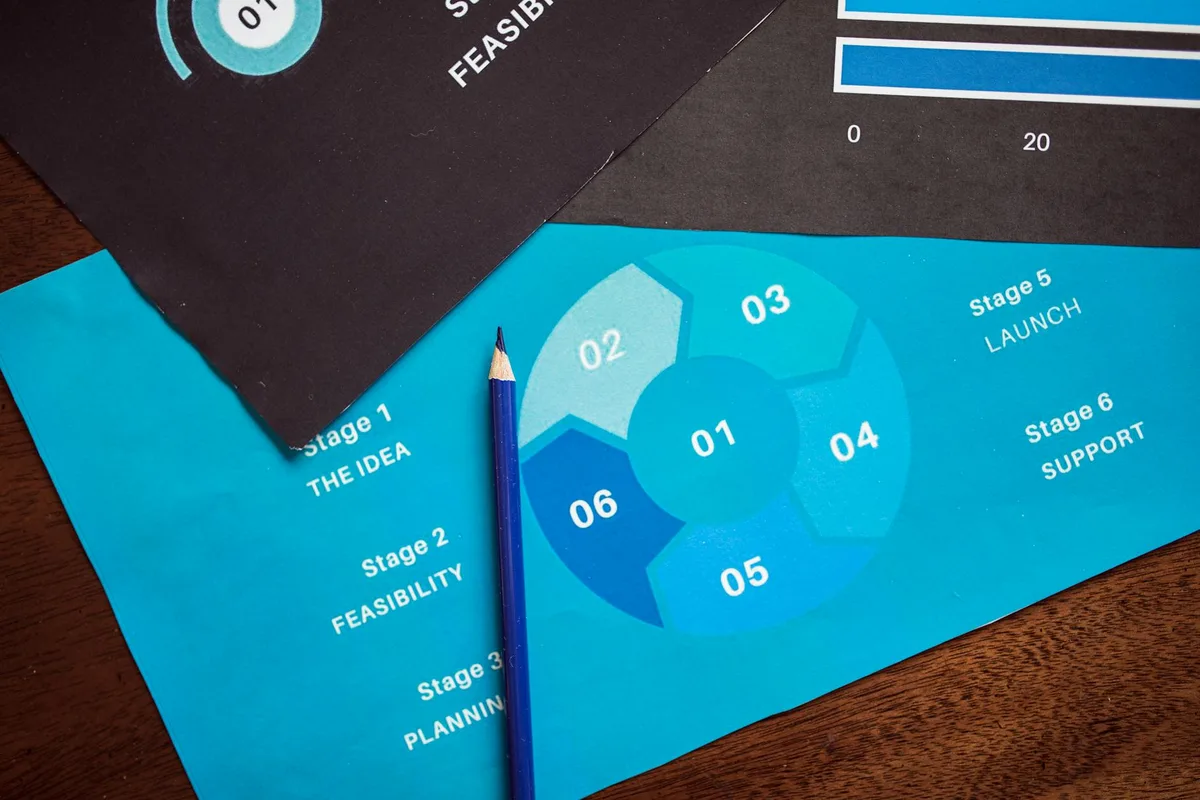
A course launch diagnostic only works when the launch foundations are complete. Diagnosing funnel performance on an incomplete launch produces misleading results. Check for a defined offer, a working landing page, an email list of at least 300 engaged subscribers, a functioning checkout, and a defined cart window with an open and close date before running any stage-level diagnosis.
Run through this checklist first. Missing any item means the launch was incomplete — not a leaking funnel.
- You have a defined offer with a clear title, outcome, and price.
- You have a landing page — even a basic one — that explains what the course is and lets people buy or join a waitlist.
- You have an email list with at least 300 engaged subscribers. Below this, sample sizes make the metrics unreliable.
- You have an email platform (ConvertKit, Brevo, MailerLite) set up and you know how to send a broadcast.
- You have a working checkout — Stripe, Gumroad, Teachable — and you have tested it yourself.
- Your cart has a defined open and close date. An open-ended buy page is not a launch.
- You have sent at least one pre-launch email before the cart opened.
Once all of those are confirmed, use this stage-level diagnostic to find where the problem sits:
| Launch Stage | One Metric to Check | What Broken Looks Like |
|---|---|---|
| Pre-launch segment | Waitlist opt-in rate | Below 20% on targeted traffic — the hook is weak |
| Landing page | Conversion rate on warm traffic | Below 15% — clarity or proof problem, not price |
| Email sequence | Open rate across the sequence | Drops below 25% by Email 3 — subject line problem |
| Cart window | Checkout completion rate | Below 60% — friction at checkout, not offer |
| Post-cart | Email open rate from non-buyers | Near zero — no follow-up sequence sent |
Step 1: Is Your Pre-Launch List Warm Enough?
A course launch pre-launch phase is the two to four weeks before cart open where you build a segment of people who have already opted in specifically for this course. Launches to a dedicated waitlist consistently convert at a higher rate than cold launches to a general list. Even 100 genuinely interested people outperform 1,000 unengaged subscribers.
Most first-time launchers skip this stage entirely. They announce the course to their full list the day the cart opens. That is launching cold, and cold audiences do not buy.
What to check before you open the cart:
- How many people are on the course-specific waitlist? If fewer than 50, pre-launch list building was underinvested.
- What was the opt-in rate on the waitlist page? Below 20% on targeted traffic means the hook is weak — the promise of the course is not landing before people even sign up.
- Did you send at least two or three pre-launch emails that mentioned the course specifically? If not, even a good waitlist is cold by cart open.
The fix: add a two-week pre-launch window before your next cart open. Create a simple waitlist page. Send at least two emails warming the topic before you pitch. That audience gap is typically the largest single driver of low launch conversion rates for first-time launchers.
Step 2: Is Your Landing Page Clear Enough to Convert?
A course landing page that converts warm traffic below 15% almost always has a clarity problem, not a price problem. Per research from the Baymard Institute, the top reason visitors leave without converting is failing to understand what they will actually get — not price objection. Vague outcomes, missing specifics, and no transformation statement kill warm conversions before the price is ever seen.
Open rates look fine. Click-throughs to the sales page happen. But people are leaving without buying.
Before the next launch, run this five-point audit:
- Read your headline cold. Does it say what the course does and who it is for, in under ten words?
- Is there at least one specific, concrete outcome? “You will write your first landing page in under two hours” is specific. “Learn copywriting” is not.
- Is the price visible without scrolling?
- Is there a short FAQ that addresses the three most common objections — usually time, confidence, and applicability?
- Does the page load in under three seconds on mobile?
If you are evaluating which platform to host your course on while you fix the page, Kajabi alternatives breaks down what each option does well at the landing page and checkout stages.
Step 3: Does Your Email Sequence Have the Right Structure?
Per the ConvertKit Creator Marketing Report, launch email sequences of five or more emails generate meaningfully more revenue per subscriber than single-announcement launches. The critical factor is not the number of emails but the sequencing: problem framing first, solution and proof second, urgency last. Skipping the proof email — the one with a testimonial or real before-and-after — is the most common sequence mistake.
One email is not a launch sequence. Three will work with a very warm list. For most creators, five is the minimum.
Here is the structure that works:
- Email 1 (pre-launch): Announce the course is coming. Tell them why you built it. Invite them to join the waitlist or early-bird list.
- Email 2 (problem): Name the problem the course solves. Make them feel seen. No pitch yet.
- Email 3 (solution and proof): Introduce the course. Include one testimonial, one case study, or one concrete before-and-after example.
- Email 4 (cart open): The cart is open. Link directly to the sales page. One clear call to action.
- Email 5 (urgency): Cart closes in 48 hours. Handle the most common objection in the body. Remind them what changes when they take the course.
Diagnostic check: if your open rate drops below 25% between Email 1 and Email 3, you are losing the room before you pitch. That is a subject line problem, not an offer problem. If open rates hold but click-throughs are below 2%, the email body is not connecting the course to something the reader personally needs.
Not sure if your email sequence is the problem or something upstream? Get the Free Solo Funnel Diagnostic — 12 questions, 10 minutes, tells you exactly which stage is broken. Take the diagnostic. Free. No pitch.
Step 4: Are You Sending the Right Emails During the Cart Window?
Course launch sales tend to cluster at two points: the first 24 hours when urgency is fresh and the final 24 hours when the deadline is real. The middle days of a five to seven day window consistently produce the lowest revenue. Creators who send a targeted re-engagement email on Day 3 — typically addressing the most common unresolved objection — recover a meaningful portion of sales that would otherwise be lost in the mid-window dip.
Most solo creators open the cart, send one email, and wait. That strategy covers the window open but abandons the close.
During cart open, watch these three numbers daily:
- Sales page visits: Are people clicking through from your emails to the page? Low click-throughs mean the email body is the problem, not the page.
- Checkout completion rate: Of people who reach the checkout, what percentage complete it? A rate below 60% suggests checkout friction — too many form fields, no payment option they trust, or price shock without enough proof on the page.
- Email reply rate: Are people responding to your launch emails? High replies with low sales means there is an unresolved objection. The replies will often tell you exactly what it is.
If you are running your course launch through Stan Store, note that its checkout analytics are more limited than dedicated platforms. Use UTM parameters in your email links to track which email drove each sale.
Step 5: Are You Following Up With Non-Buyers After the Cart Closes?
Post-launch follow-up to non-buyers tends to produce higher open rates than standard broadcast emails because the recipients already have context about the offer. Email marketing platform benchmarks consistently show that post-cart sequences outperform cold broadcasts on open rate. A three-email sequence sent in the days after cart close typically adds between 8% and 15% to total launch revenue, based on patterns across platform benchmark studies — though actual results vary by list warmth and offer clarity.
Most creators do nothing after the cart closes except wait for the next launch. This is the most consistently skipped stage and the one with the clearest upside.
The follow-up sequence:
- Email 1 (48 hours after cart close): The cart closed, but here is what is still available. If you have an evergreen option, a waitlist for the next cohort, or a lower-ticket entry product, this is where you put it.
- Email 2 (96 hours after cart close): Address the most common reason people did not buy. Usually “I am not sure I have time” or “I am not sure it will work for my situation.” Spend the entire email on one objection.
- Email 3 (168 hours after cart close): Share early results. Who bought, what they said in the first week, what they are doing with the material. Social proof after the cart closes converts fence-sitters into buyers for the next launch.
For a full step-by-step version of how to structure the entire launch — including how to sequence these stages over six to eight weeks — the how to launch an online course guide covers that workflow from zero.
Frequently Asked Questions
The five course launch stages most likely to fail are: pre-launch segment (too cold or too small), landing page (unclear outcomes or missing proof), email sequence (too short or wrong structure), cart window (single email, no mid-window re-engagement), and post-cart follow-up (skipped entirely). Most launches fail at one specific stage — not all five.
Why are people opening my launch emails but not buying?
High open rates with low purchase rates point to one of three problems: the offer does not match what the list expects from you, the price lacks sufficient proof to justify it, or there is friction at checkout. Check your checkout completion rate first — if it drops below 60%, fix checkout before changing anything else. If people never click through to the page, the email body is the problem.
What is a realistic conversion rate for a course launch?
A first course launch converting 1% to 3% of your total email list is a reasonable range. For 1,000 subscribers, expect 10 to 30 sales. Landing page conversion for warm, pre-launched traffic should exceed 15%. If you are below 1%, the problem is almost always pre-launch segment quality or offer clarity — not price.
How many emails should a course launch sequence have?
Five emails is the working minimum for most solo creators. ConvertKit’s creator benchmark research shows sequences of five or more emails produce meaningfully better results than single-announcement launches. The sequence order matters: problem framing, solution and proof, cart open, and urgency close — in that order. Shorter sequences work only with lists that have been extensively pre-warmed.
How long should a course launch window stay open?
A five to seven day window is the standard range for solo creators. Shorter windows — three days — work only with very warm lists that have been pre-launched extensively. Longer windows (ten or more days) erode urgency and flatten the natural sales spikes at open and close. The middle days of any window will be the lowest-revenue period regardless of length.
What should I do after a launch with zero sales?
Before diagnosing the funnel, verify the foundations: was there a dedicated pre-launch segment, a functioning checkout, and at least three emails sent during the window? If any of these were missing, the launch was incomplete. If foundations were in place, start with the pre-launch stage — whether the list was truly warm before the cart opened explains the majority of zero-sale first launches. The why your funnel is not converting diagnostic walks through this in detail.
Keep Reading
- How to launch an online course — full step-by-step playbook for first-time course creators
- Why your funnel is not converting — diagnostic for when the funnel is built but not producing sales
- Kajabi alternatives — platform options at different price points for course hosting
What to Do Next
Choose the path that fits where you are right now.
Get the Free Solo Funnel Diagnostic
Get the free Solo Funnel Diagnostic. 12 diagnostic questions. Scored in 10 minutes. Tells you exactly which stage is broken and what to fix first.
Send Me the Diagnostic